What Is FPS in Video Editing? Complete Beginner Guide
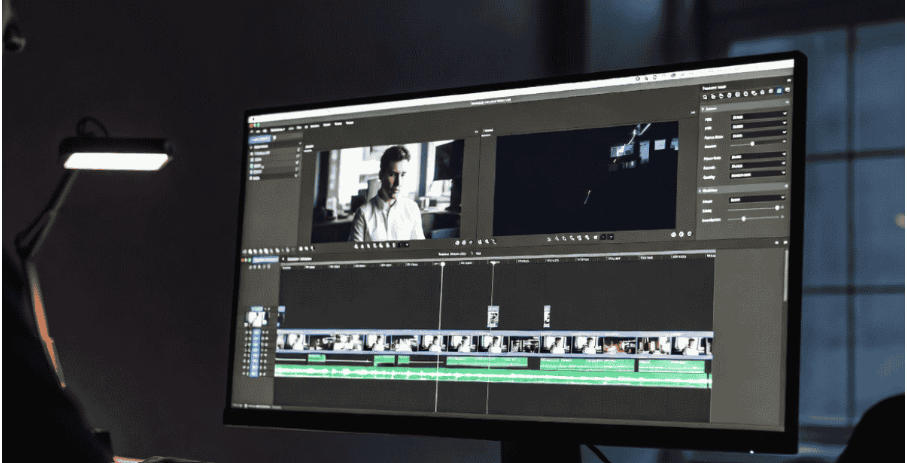
Finding out the real definition of FPS in video editing is the top-secret key to achieving flawless video playback. This technical term refers to the total number of still frames that are shown each second and is known as frames per second.
The choice of the proper speed setting will determine if the outcome looks fantastic or just awkward. Think of creating a stunning project but realizing that the movement in it is too robotic and glitchy. Choosing the right FPS depends on your camera settings and where the video will be published. Raise the bar of your productions by learning how small visual elements can totally change the game.
What Is FPS in Video Editing?
FPS in video editing refers to the number of images within one second of your favorite scenes. This particular measurement dictates the level of smoothness of movement in every scene. The higher the speed, the more realistic the action movies will appear.
Why FPS Matters in Video Editing
-
Video Smoothness and Motion
Smoothness of videos is completely dependent on having many digital images. It allows for the creation of a motion blur effect when the action is rapid. With adequate frame rates, the results are beautiful action with no stuttering at all.
-
Impact on Video Quality
The high frame rates ensure that there are no unpleasant compression artifacts when there is fast movement. The perfect configuration guarantees crystal clear images throughout the video. Selecting the right frame rate ensures professionalism and sharpness, while too few create extremely blurred images.
-
FPS and File Size Performance
Huge file sizes come directly from high speed settings because extra images demand massive storage space. This intense data load strains computer hardware during the final render process. Managing these metrics ensures quick export times, while lowering the speed protects valuable hard drive room for future projects.
Common FPS Rates Explained
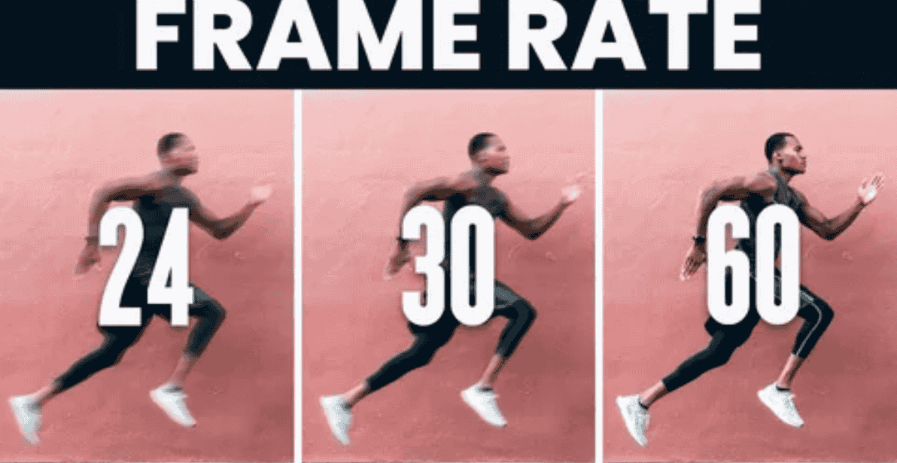
24 FPS for Cinematic Videos
Hollywood movies use twenty-four images every single second. This classic speed generates a beautiful cinematic look with natural motion blur. This popular setting provides cozy traditional storybook magic.
30 FPS for YouTube and Standard Content
Online systems use thirty frames per second for standard TV channels and daily vlogs. This is the standard around the world that ensures high clarity while keeping file size small. Vlogs and standard web content look sharp and professional at 30fps.
Note: 30p (progressive scan) is the standard for online video. 30i (interlaced) is an older broadcast format — avoid it for web or social content as it can cause flickering and compatibility issues.
60 FPS for Gaming and Fast Action Videos
The action shooter games need sixty frames per second for optimal performance. Such high speed ensures smooth movement even during high level competitive play. Editors opt for high frame rates to create stunning sharp slow-motion effects with no delay.
Many creators use an online FPS Calculator to understand the difference between 24 FPS, 30 FPS, and 60 FPS before exporting videos.
Best FPS Settings for Different Types of Content
Each project requires a clear arrangement of the images depending on certain aims of the movement. High-speed images are necessary for action sports and video games as they help to depict fast, highly detailed motion without any problems. Such choice of frames ensures a unique effect since all fast movements will be sharp during intense actions.
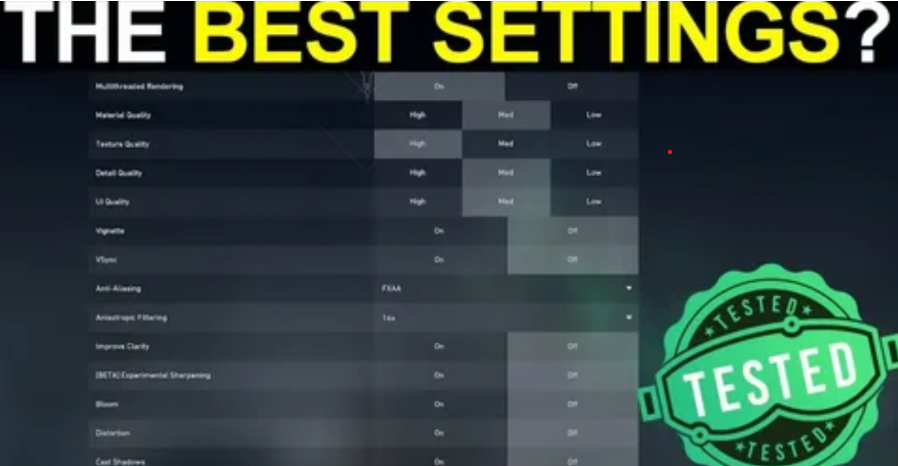
The narrative movies prefer slower speeds as they allow creating a soft, natural motion blur, which adds to the overall coziness of the movie.
For short-form social content, platform requirements vary. TikTok and Instagram Reels work best at 30fps, while YouTube Shorts supports up to 60fps for smoother action clips. Always check each platform's guidelines before exporting your final video.
FPS Import and Export Best Practices
Should You Export in the Same FPS?
A matching output speed with that of the original video footage will avoid any major stuttering issues. The constant settings will guarantee flawless rendering in the editing application. Equally balanced figures will assure perfect motion.
How to Reduce FPS Without Audio Problems
The advanced video editing software reduces the pace but keeps the audio synchronized perfectly. The smart software holds the voices of speakers in place. Digital changes do not create weird sounds or squeaks.
Common FPS Mistakes Editors Make
- Combining multiple speeds in one project timeline causes severe stuttering. This is a very careless mistake and the render quality ends up being totally ruined.
- Putting slower clips in higher numbers leads to extremely large files but no extra visual information.
How Affects FPS in Video Editing Software
Heavy data loads from dense clips slow down your computer screen. This intense processing requirement creates lag during a final render.
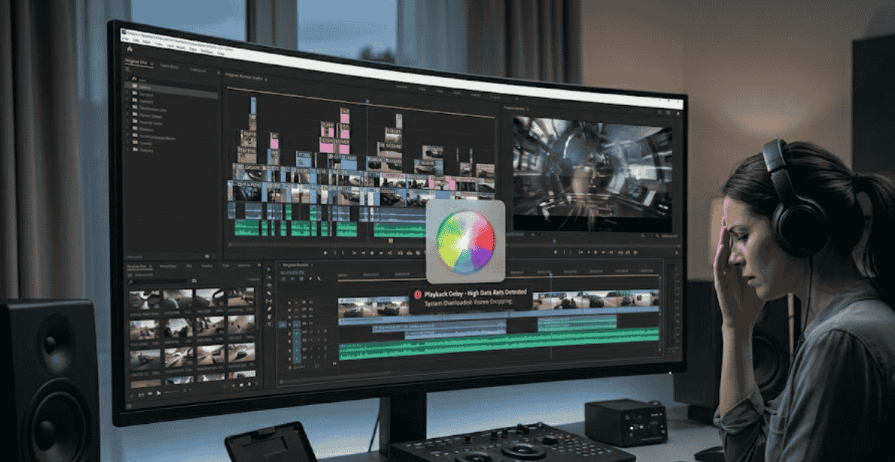
- High frame rates demand robust computer hardware.
- Massive quantities of images exhaust your available system RAM.
- Large file sizes slow down everyday timeline navigation.
- Lower speed settings allow quick, efficient project exports.
How to Change FPS in Video Editing
Changing FPS During Recording
The camera settings will determine how many pictures will be taken prior to the post-production process. Choosing a higher number in the camera settings menu will allow you to create stunning slow motion scenes afterwards. This setting will define the basis of your video.Always convert VFR to CFR before editing — you can use a free tool like FPS Converter to do this directly in your browser.
Adjusting FPS in Editing Software
The arrangement of the timeline will determine how fast the project will play inside the video editing software, and frames per second in video editing will be very important here. Changing these menu numbers will determine how fast the images will be displayed on the screen. This particular modification allows for complete control over the render speed and proper settings prevent jerky motion or audio discrepancies.
Final Thoughts on FPS in Video Editing
Getting the speed of images right guarantees you great clarity of visuals in all the projects. There are different speeds of videos that can be used for different types of artistic work, including storytelling and smooth video game actions. Making the right choice of frame rates before starting to record will guarantee you a smooth process without any issues later.
The treatment of speed data is different for every program in the digital environment. For basic projects, beginner-friendly tools like Camtasia or iMovie handle standard frame rates well.to edit videos at normal speeds. However more complex video editing processes need professional software like Premiere Pro. Understanding these basic video editing tools will ensure the quality of your frame rate in every layer of your video.
Frequently Asked Questions
What FPS should I export videos in?
Matching the final output speed to the original camera footage prevents severe playback stuttering. This consistent setting ensures a perfect, glitch-free render inside your chosen video editing software.
Is 60 FPS better than 30 FPS?
Sixty images every second provide superior smoothness for hyper-detailed, fast-paced action sequences. However, thirty frames remain ideal for standard internet vlogs because this speed minimizes massive file sizes.
Can changing FPS reduce video quality?
Mismatched speed settings create terrible skipping artifacts and jerky motion during heavy on-screen activity. Forcing low tallies into high numbers also generates huge compression artifacts without adding new visual details.
What FPS is best for fast action videos?
Action sports require sixty individual frames every single second for maximum visual clarity. 60fps footage can be slowed down to 50% in post-production while maintaining sharpness.
Does higher FPS increase file size?
Higher FPS means larger files see the File Size section above. because extra images demand massive storage space. This intense data load strains computer hardware and increases times during the final render process.